Playing games on a GPU 40 miles away
Streaming games from my AI workstation 40 miles away at 4K60 and around 558 Mbps, across two ISPs and an encrypted WireGuard tunnel.
I am playing a game rendered by a GPU 40 miles away and streamed to me as live video at around 558 Mbps. The video travels over undersea fiber beneath Puget Sound, near Seattle, across two ISPs, and eventually over coaxial cable. All of this to get a game onto the screen in front of me. At 4K UHD and 60 Hz.
I finally found a use case for having low latency multi-gigabit Internet :)
I am surprised by how well it works. I move the controller, and the input goes over Bluetooth to my local Mini PC, through the switches on my local network. A UDM Pro encrypts the traffic into a VPN tunnel across the Internet. The UDM Pro at the other end decrypts it and forwards it through the switches at the remote site to the gaming server. The character moves, the GPU renders the next frames, and the encoded video makes the trip back, including encryption and decryption again, before my Mini PC decodes and displays it. Yet the game feels very responsive.
The overlay shows around 15 ms of network round-trip time through that tunnel, including the gateway and VPN processing along the way. That isn’t the full controller-to-screen latency: Bluetooth, game processing, rendering, decoding and display timing add to it. I haven’t measured that full response time separately.

The gaming machine is my dual RTX Pro 6000 AI workstation. With hardware prices where they are, buying another machine for gaming doesn’t make much sense when I already own these GPUs. The AI machine gets to do dual duty. I free up the streaming GPU before starting the game.
I’ve tried Sunshine and Polaris, and I’m currently playing with Punktfunk and PyroWave, the codec Valve recently added to Steam Remote Play. It is intra-only, meaning every frame is encoded independently, and uses GPU compute for very low encode and decode latency. It supports HDR and full 4:4:4 color. The trade-off is bandwidth, which I happen to have. Punktfunk accepts bitrates up to 8 Gbps, well beyond what I’m sending here.
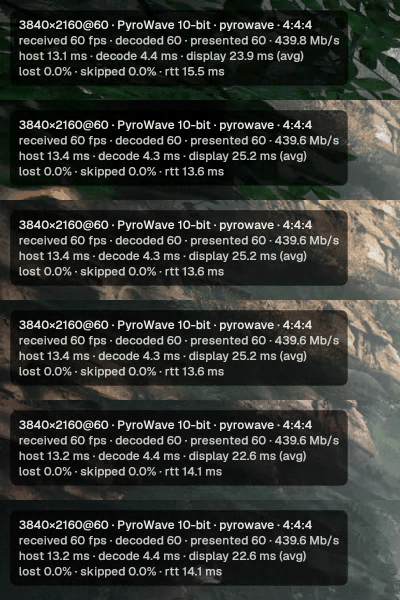
The two UDM Pros use UniFi Site Magic, which builds WireGuard tunnels over UDP. The traffic stays encrypted between the gateways even at these speeds. Here’s the stats overlay from a gameplay clip:
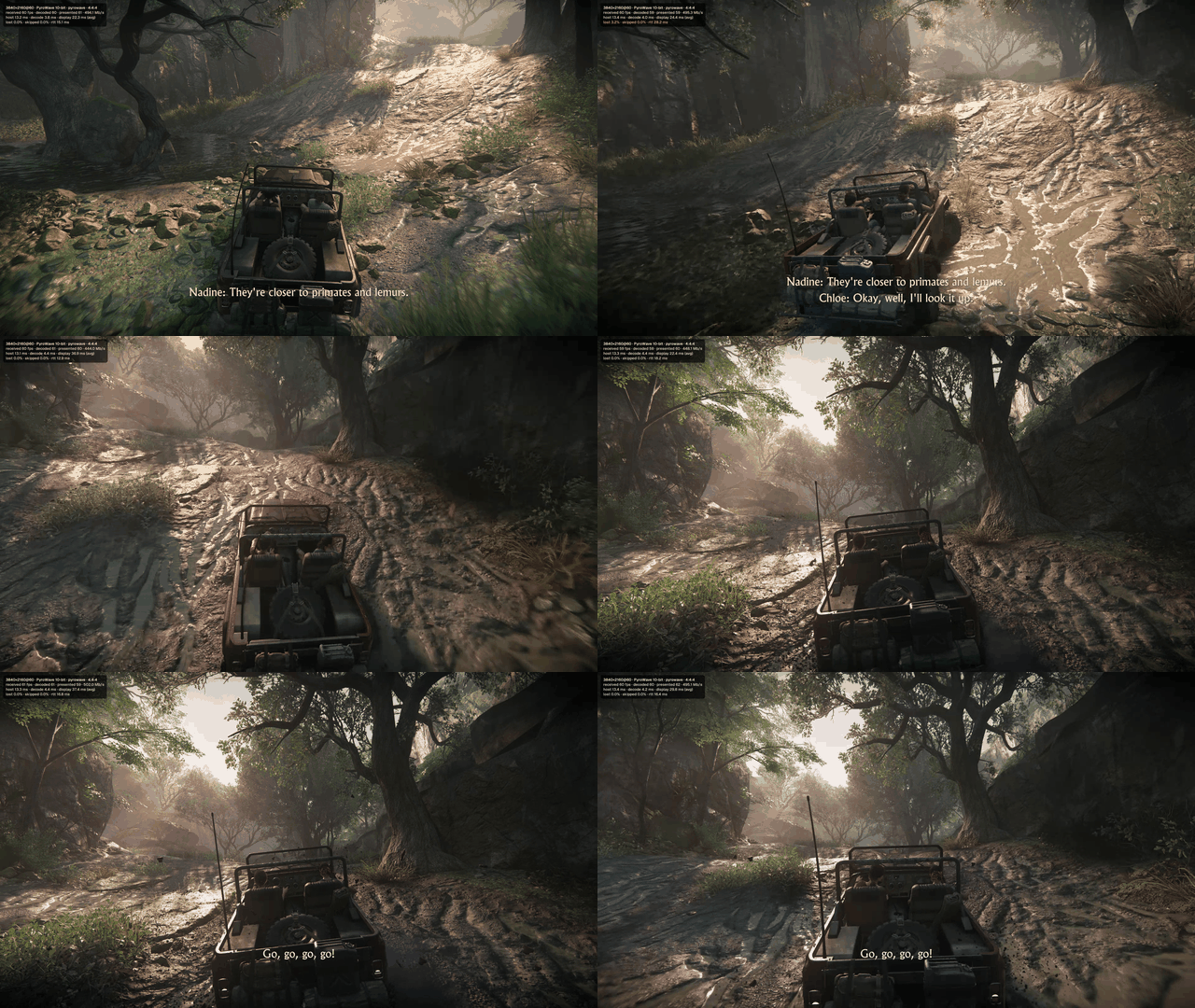
Here is a gameplay example from Uncharted after I switched the client to SDR. The screen recording is 1080p at 30 fps; the game stream itself is 4K at 60 fps.
Getting past the frozen video
It took some debugging to get here. Punktfunk 0.45.0 initially gave me audio with no picture, or a frozen image while the sound kept going. An AI coding assistant helped trace two buffer problems: the startup bandwidth test could use up the decoder’s buffers, and larger 4K frames could overflow a temporary buffer when packets needed extra alignment copies.
We applied a local client hotfix to keep bandwidth tests out of the decoder’s buffer pool, and changed the host’s packet-size setting to avoid the alignment problem. A broader buffer-sizing correction was tested separately but wasn’t installed. The working setup uses the hotfix and packet-size workaround; the bugs were in Punktfunk’s integration with PyroWave.